Installation
Follow these simple steps to install WGRank on your WordPress site:
- Search for the Plugin: Go to
WordPress Admin → Plugins → Add New. - Find WGRank: Search for "WGRank Multilingual" in the search bar.
- Install: Click "Install Now" next to the WGRank plugin.
- Activate: Click "Activate" after the installation is complete.
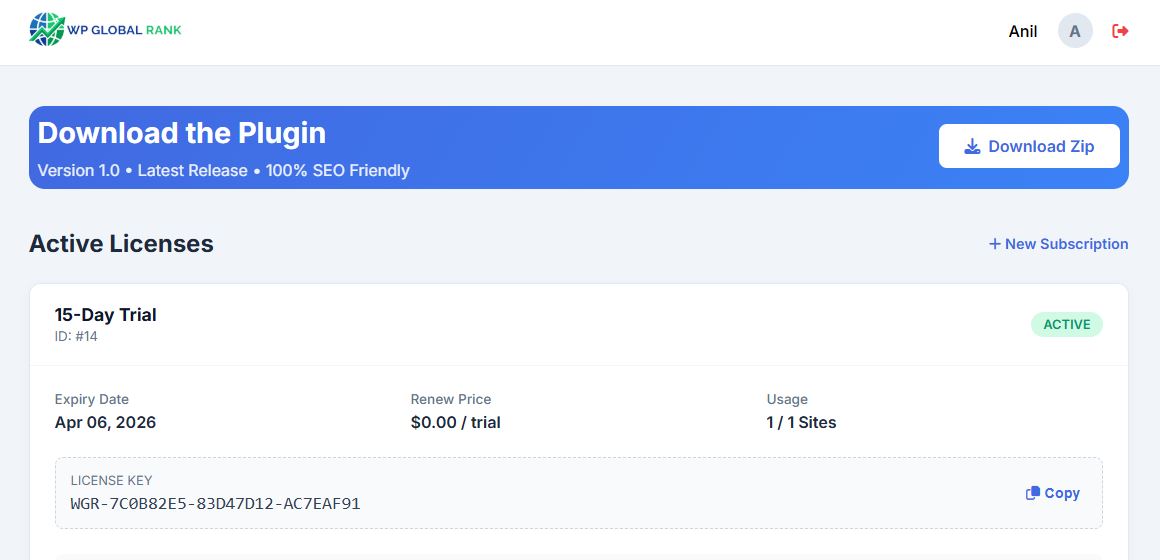
Alternatively, you can download the plugin directly from the WGRank Dashboard.
Plugin Settings
Configure WGRank to match your needs:
Language Selection
Choose which languages to enable on your site. You can select from 103 available languages.
- Go to
Settings → WGRank → Languages - Check the languages you want to activate
- Click "Save Changes"
SEO Settings
Enable automatic sitemap generation and hreflang tags:
- Auto Sitemap: Generates language-specific sitemaps automatically
- Hreflang Tags: Adds proper hreflang tags for SEO
- URL Translation: Translates slugs for better local SEO
Widget Placement
Add the language switcher to your site using:
- Shortcode:
[wgrank] - Widget: Appearance → Widgets → WGRank
- Menu: Add to navigation menu via Appearance → Menus
Advanced Features
WGRank includes enterprise-grade optimizations to ensure maximum performance and SEO compliance:
- Server-Side .html.gz Caching: Compresses translated pages into static .html.gz payloads, bypassing PHP for sub-millisecond load times.
- Zero Database Bloat: Uses purely physical routing logic without storing massive translation strings in your MySQL database.
- Anti-Flash Content Shielding: Prevents visual glitches (FOUC) while localizing content on the frontend.
- Cloudflare & WAF Bypass: Smart integration ensures secure JSON execution without caching conflicts with external proxies.
Benefits:
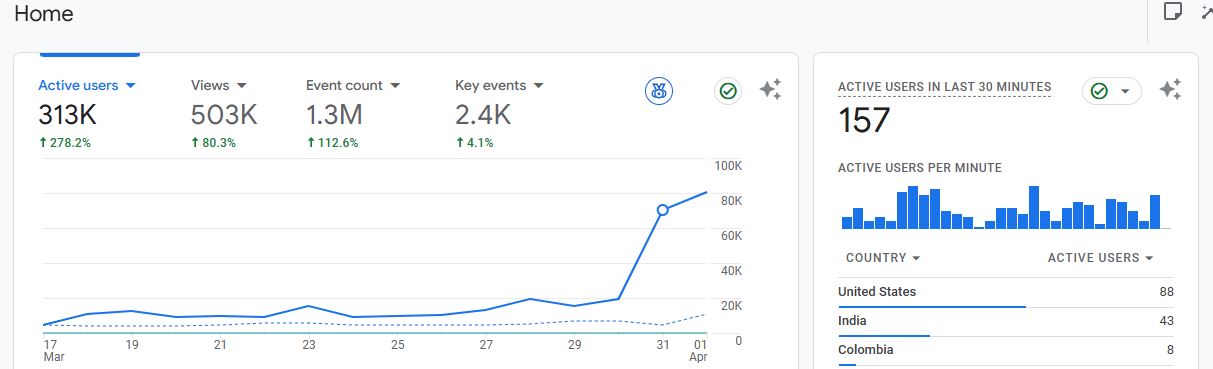
- Zero server CPU load during traffic spikes
- Maintains perfect Google PageSpeed scores
- Clean and maintainable database
- No caching conflicts with LiteSpeed or WP Rocket
Troubleshooting
Translations Not Showing
- Clear your WordPress cache (if using a caching plugin)
- Clear browser cache and cookies
- Verify the language is enabled in settings
- Check if the license is active
404 Errors on Translated Pages
- Go to
Settings → Permalinks - Click "Save Changes" to flush rewrite rules
- This usually resolves URL-related issues
Frequently Asked Questions
Can I use this with any theme?
Yes! WGRank is compatible with all WordPress themes, including page builders like Elementor, Divi, and Beaver Builder.
How many domains can I use per license?
It depends on your plan. Check your Dashboard for your specific domain limit. You can purchase additional domain slots for $7/month.
Is the translation automatic?
Yes, translations are generated automatically using advanced AI. You can also manually edit translations if needed.
Does this affect my site speed?
No! WGRank uses server-side caching to ensure translated pages load instantly without slowing down your site.
Can I translate WooCommerce products?
Absolutely! WGRank fully supports WooCommerce, including product titles, descriptions, categories, and attributes.